


€10–€100
Room keys
Playroom Start · Waiting Area €10 · Backrooms €25 · Poolroom €50 · School €60 · Office €90 · Hotel €100
- Start in Playroom
- Hotel last at €100
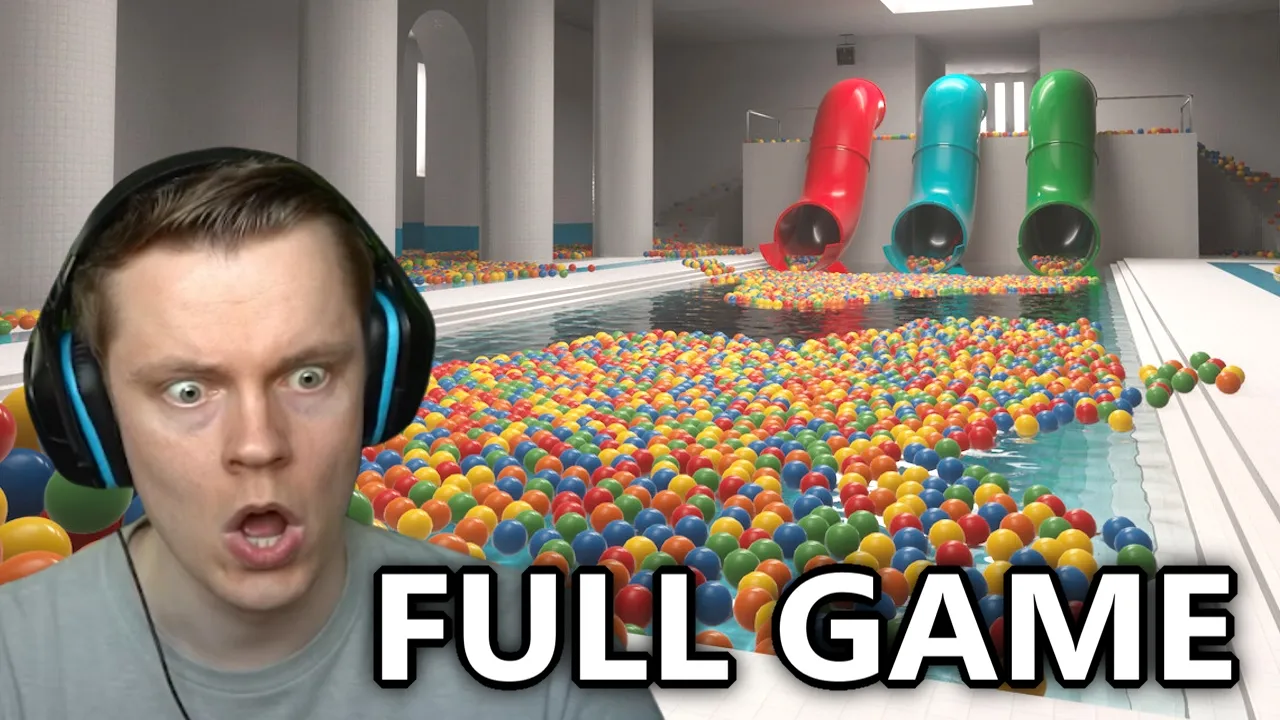
Steam 5037510: ball pits, keys, rooms, sparrows, and Hardcore.
Last updated: November 12, 2026
Steam · $6.99 (store snapshot November 12, 2026) · Demo 5246850
How to play
Playrooms loop: collect the balls, fill the pits, buy keys, stay in the light when the shift ends.
Playrooms is a Casual · Indie · Simulation game from Two Pixels UG on Steam App 5037510. Collect the balls. Bring them back. Fill the ball pits.
Thousands of balls lie scattered across the Playrooms. Collected balls are currency. Full ball pits unlock abilities. Buy the next area key. When your shift is over, the lights go out one by one — stay in the light.
This Playrooms wiki covers Steam 5037510 only — not Winterblood PLAYROOMS (App 3492480, delisted), adult playrooms, or PS4 The Playroom. Use a Playrooms guide for the first shift, then this Playrooms wiki for rooms, tools, and sparrows. No official Discord. Steam social: Instagram, Twitch, TikTok. Verified November 12, 2026.
| Title | Playrooms |
|---|---|
| Developer / publisher | Two Pixels UG |
| Platform | PC via Steam |
| Steam app | 5037510 |
| Demo app | 5246850 (October 12, 2026) |
| Full release | November 4, 2026 |
| Mode | Single-player |
| Price snapshot | $6.99 (store snapshot November 12, 2026) |
| Reviews snapshot | Overwhelmingly Positive · 97% of 1,107 reviews (store snapshot November 12, 2026) |
| Social | Instagram / Twitch / TikTok · no official Discord |
| Last verified | November 12, 2026 |
Start with a **Playrooms guide** for the first shift, then jump to school stairs, sparrow locations, or the full room path.
Community 1.0.0 (Unverified). In-game €, not Steam USD. The eight-pit table and the author’s 199,000 total disagree — both stay on file.
€10–€100
Playroom Start · Waiting Area €10 · Backrooms €25 · Poolroom €50 · School €60 · Office €90 · Hotel €100
8 pits
1,500 Sprint · 2,500 Coffee · 5,000 Crouch · 10,000 Scanner · 20,000 Fruit Basket · 40,000 More Robot Vacuums · 40,000 More Ball Vacuums · 80,000 Exit Key
Path
Key order, pit rewards, and Clock out live on the walkthrough. Room doors and rules live on rooms.
Doors
Door sides, community ball counts, sparrow and decoration counts.
This **Playrooms guide** first shift: turn on the lights, bank balls, buy a flashlight, then the cheapest key. Be back before lights-out.
Install Playrooms (or Demo 5246850). Confirm Two Pixels UG, not Winterblood PLAYROOMS.
Demo lacked full rooms, dark threats, and Steam achievements.
Use the Playroom computer to start the day and turn work lights on.
Safe area computers also host shop.exe, skills.exe, and stats.exe.
Scattered balls are currency. Community recaps say €0.01 per ball deposited.
Filling a pit unlocks an ability. You do not have to fill pits in order.
Official store names a scoop and a flashlight. Community price: Flashlight €5 after pit 1 (Unverified).
1.0 lets you carry two tools at once.
First paid door on the community table. You do not need to empty Playroom first.
Later keys: Backrooms €25, Poolroom €50, School €60, Office €90, Hotel €100.
When the shift ends, lights go out one by one. Stay in the light and get back to a safe area.
Hardcore death can wipe all progress (community). Cozy cannot die.
This wiki is Steam Playrooms App 5037510 by Two Pixels UG — not Winterblood PLAYROOMS (3492480), adult playrooms, or PS4 The Playroom.
There is no redeem-code box and no official Discord. Follow Instagram / Twitch / TikTok from the Steam store, or Steam discussions.
Run light.exe, dump balls into pits (€0.01 each, community), buy the €10 Waiting Area key, then get back before lights-out.
School hallways: no running (stairs excluded). Cozy can run. Hotel rooms may swap nights — room numbers stay Unverified.
Ball-pit table sums and the author’s 199,000 total disagree. Treat both as Unverified community 1.0.0 notes.
Read the building as a job, not a combat ladder: safe computers, a timed shift, keys, tools, collectibles, then difficulty.
Safe area. light.exe, shop.exe, skills.exe, stats.exe, locker.exe.
When the shift ends, lights fail. Stay in remaining light.
Six paid keys after Playroom. Community prices €10–€100.
Flashlight, vacuums, robots, scanner. 1.0 two-hand carry.
20 sparrows and 14 office decorations (community counts).
Cozy / Normal / Hardcore. Official names not copied from the store blurb.
Jelly 1.0.0 is a player guide with a possible-error note. Pit table vs 199,000 is a conflict, not a calculator default.
Open a card when you need a table. Community numbers stay labeled Unverified.
Keys
Seven areas, door sides, community ball counts.
Shop
Flashlight, vacuums, robots, scanner, computer programs.
20
Locations by room. Hotel numbers Unverified.
List
Named community conditions. Official Steam dump not verified here.
Risk
Death wipe, school run, hotel fall, office follower.
Map
Phone, follower, green-office maze to the whale.
Session goals, not a level number. Pit rewards are community 1.0.0.
Community: 1,500 balls unlock Sprint.
Sprint is available or you can name the pit UI.
Waiting Area €10 on the community table.
The Waiting Area door opens.
Community pit 3 (5,000) unlocks Crouch. Backrooms routes may need it.
You can crouch on command.
Community pit 4 (10,000) plus a €10 Inventory Scanner row.
Scanner is in inventory or you can find the shop row.
Door Operator is the community name for buying every area key.
Every listed door can open.
Community: fill the last pit and leave through the exit. Pit 8 reward is Exit Key.
You can name Clock out vs still farming pits.
Verified milestones only. These fishbone cards do not link to inner pages.